Using the Installer
-
The installer itself
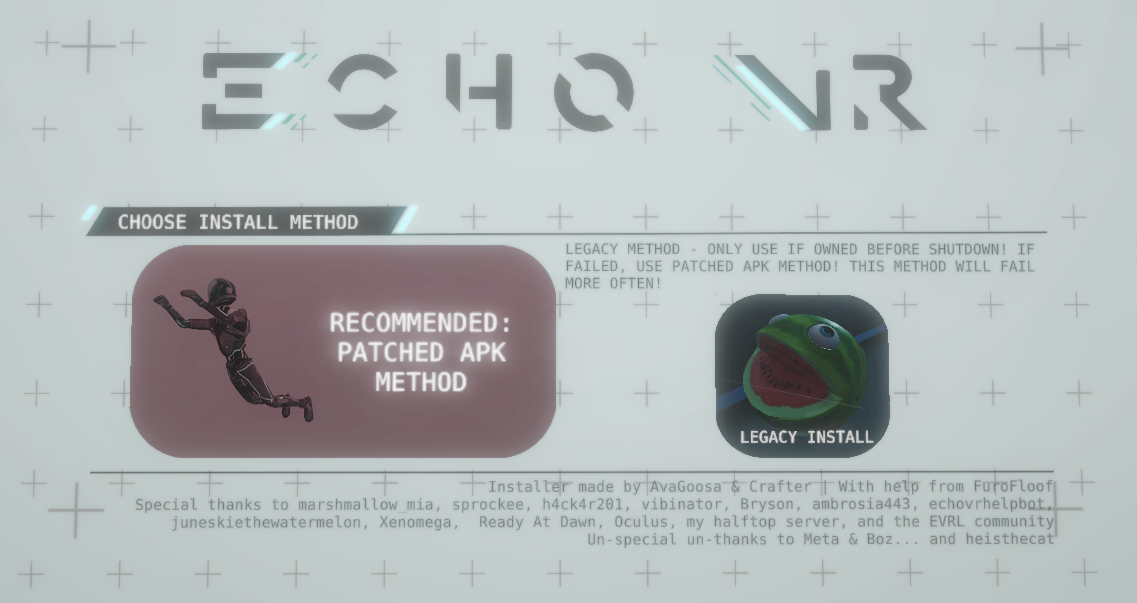
Open the installer, then follow the instructions for new or legacy players below.
-
New Player Installation
Select Patched APK Method in the installer.
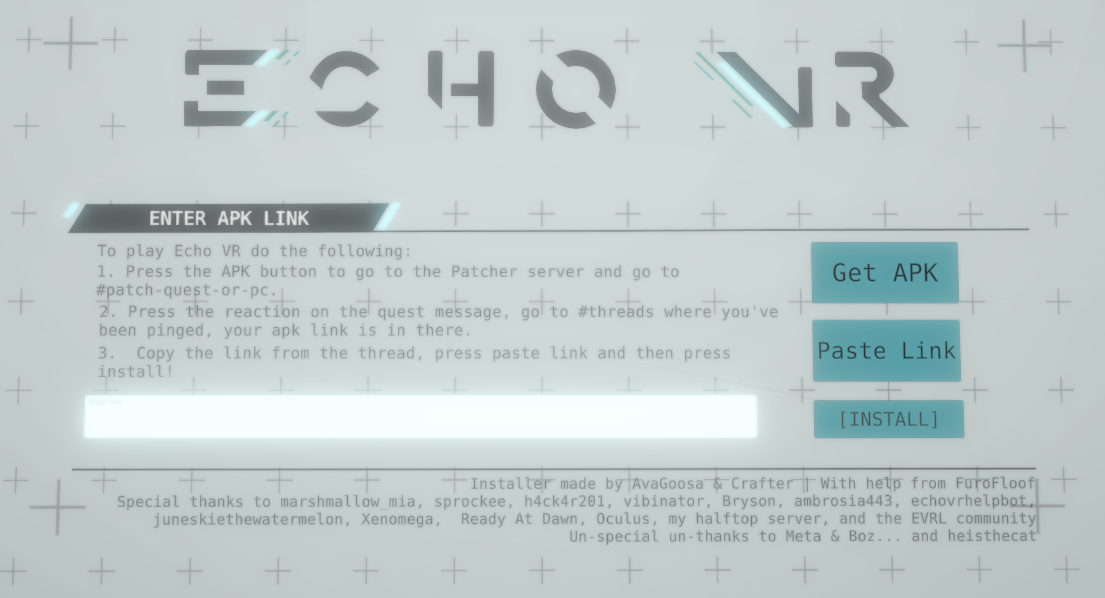
Join the Echo VR Patcher server and react to the message in #create-your-patched-apk-or-dll.
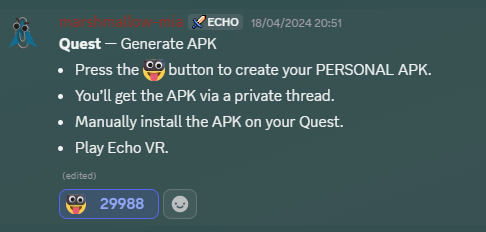
Look into #threads, you will have been pinged. This is where your APK is.
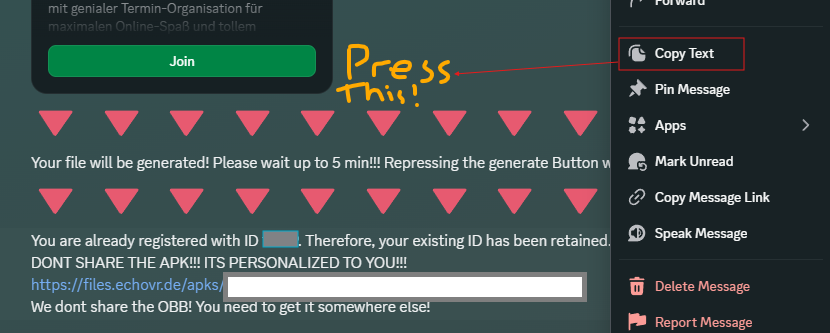
Copy the download link from the thread and press paste link in the installer. The APK will begin downloading.
Accept the prompts during installation. Once installation finishes, restart your headset.
-
Legacy Player Installation
This method requires you to have played Echo VR before shutdown.
Select Legacy in the installer to begin installing the game.