
Install Echo VR
Standalone Quest installer walkthrough
What you need
- A compatible Meta Quest headset
- The Echo VR community installer
- A Discord account
- Access to Echo VR Lounge and the Patcher server
Open the installer
Launch the installer on your headset. Choose the path that matches whether you played Echo VR before the official shutdown.
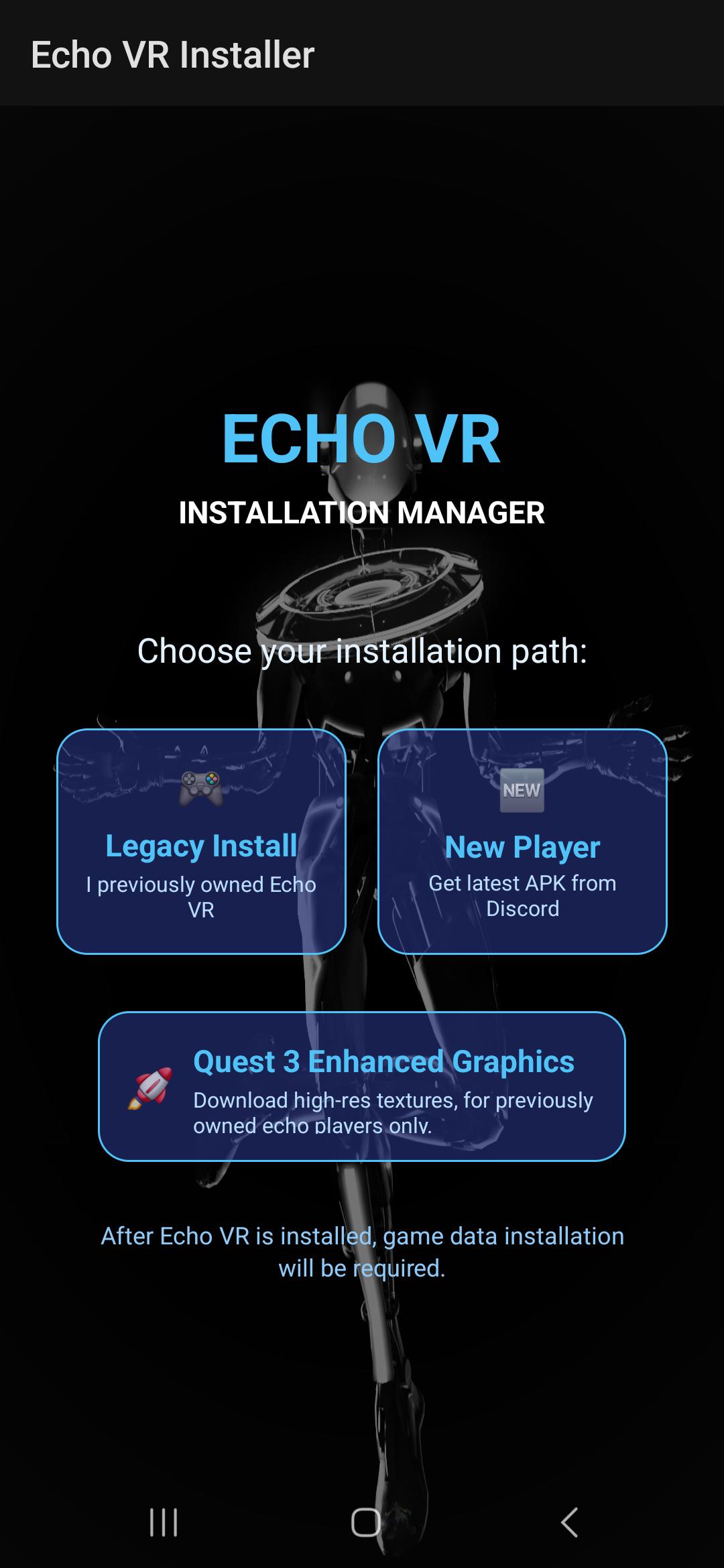
New Player installation
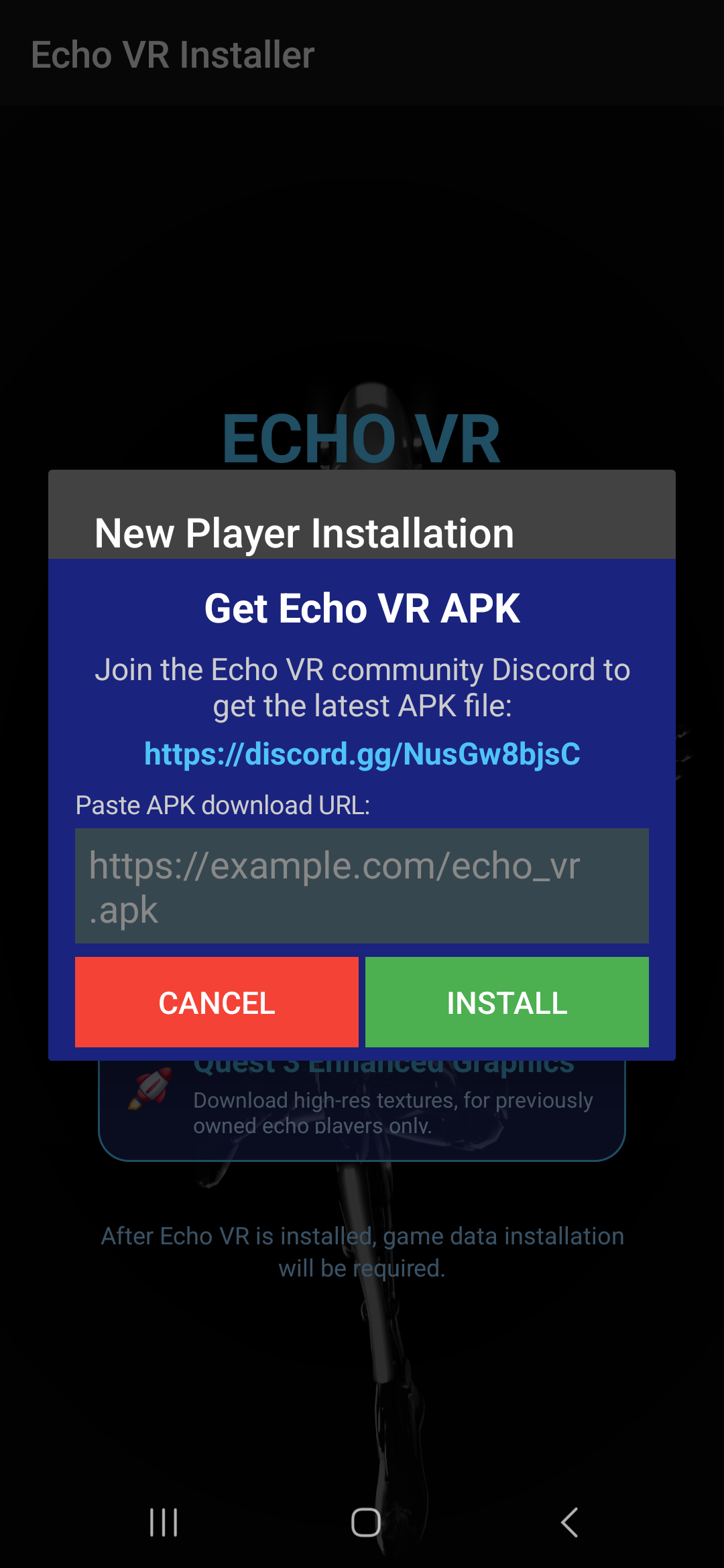
- Select New Player.
- Join the Echo VR Patcher Discord.
- In #create-your-patched-apk-or-dll, react to the patcher message.
- Keep Discord direct messages enabled.
- Copy the APK link sent by the bot and paste it into the installer.
- Accept the installation prompts, then restart your headset.
Legacy Player installation
If you owned and played Echo VR before shutdown, select Legacy Player. The installer will begin installing the compatible game files.
After installation
Restart the headset, launch Echo VR, and follow the account-linking steps when a code appears.