
Bugs and Support
Solutions for common Echo VR problems
Echo closes when launched
- Restart your headset.
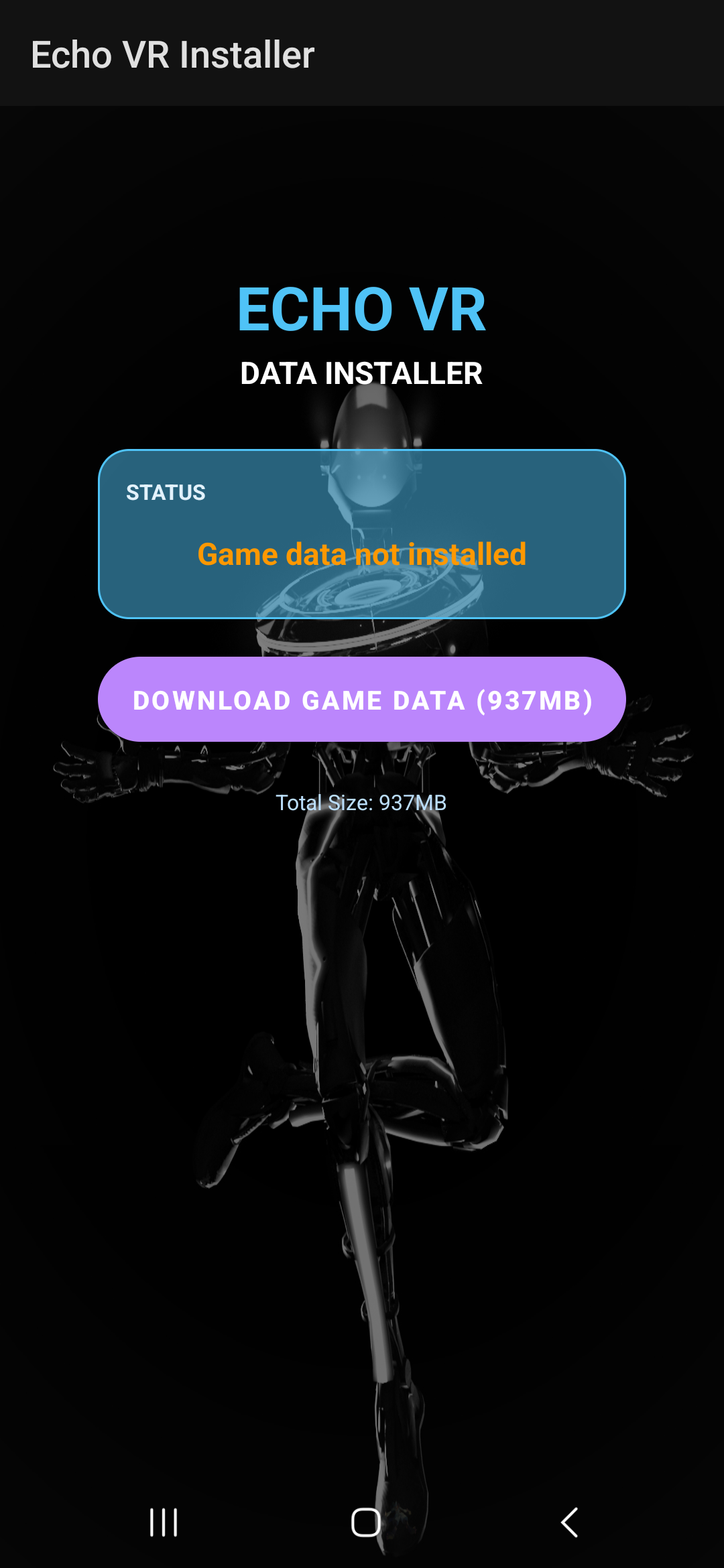
- Open the installer and check that the game data folder is present.
- If it is missing, select Download Game Data.
- Reinstall Echo VR if the issue continues.
- Try the New Player installation method, even if you played before shutdown.
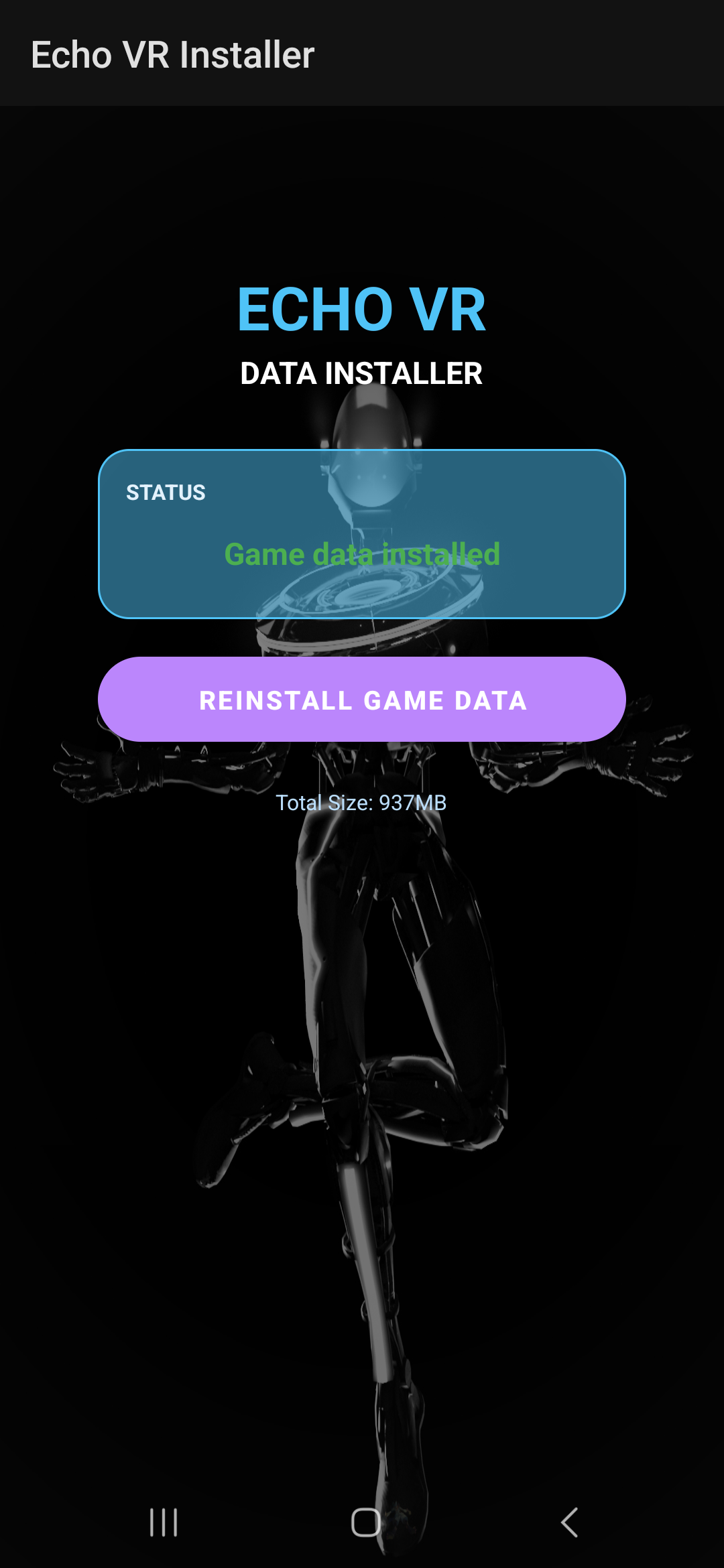
After downloading, the installer should show that the required game data is present:
Problem parsing the package
Remove the existing or incomplete package before trying the installation again.
Package invalid
Uninstall the existing Echo VR package, restart the headset, and run the installer again.
No message from the EchoVRCE or Patcher bot
- Enable direct messages for the Echo VR Lounge server.
- Check any alternate Discord account you may have linked.
- Unlink the wrong account from the headset if necessary.
- Ask the community support team if you cannot access the linked account.
Last-resort steps
Uninstall Echo, clear its cache, fully power off the headset, wait 30 seconds, then restart and use the New Player method. If it still fails, use the PC installation guide available in Echo VR Lounge.